


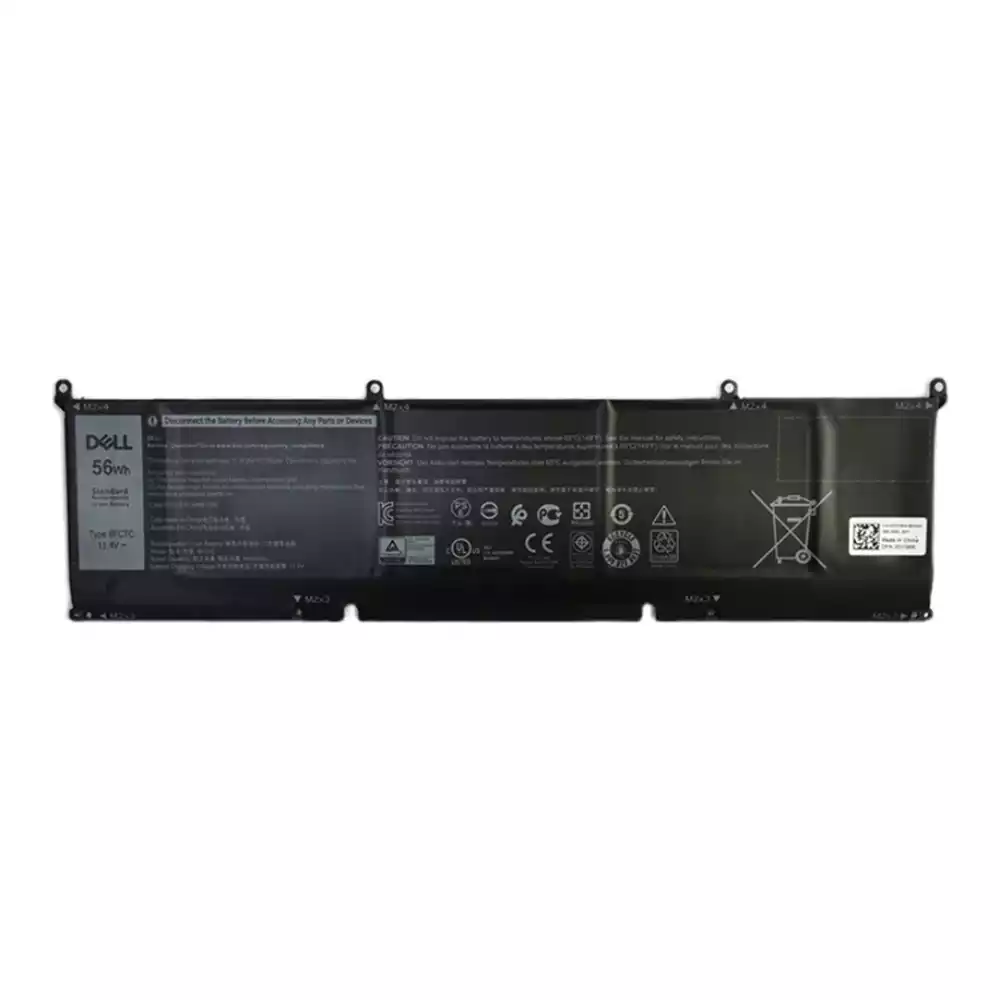
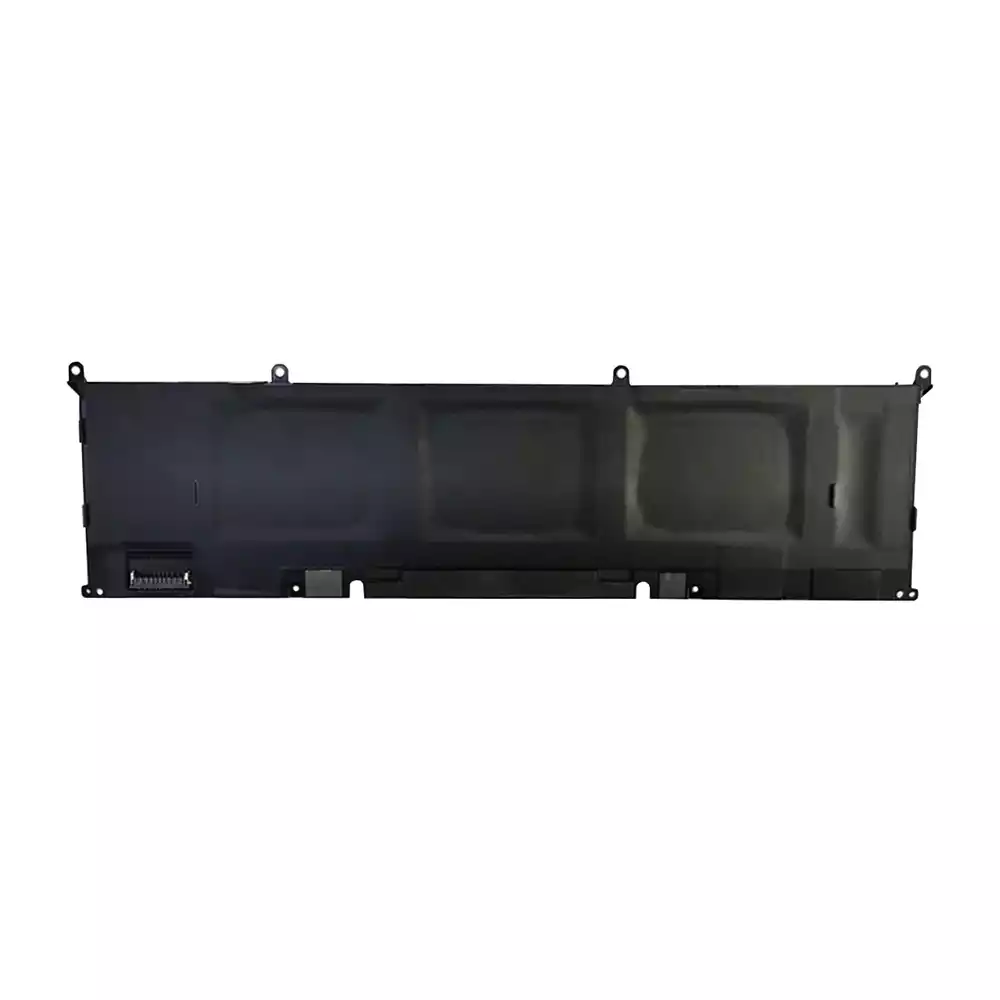
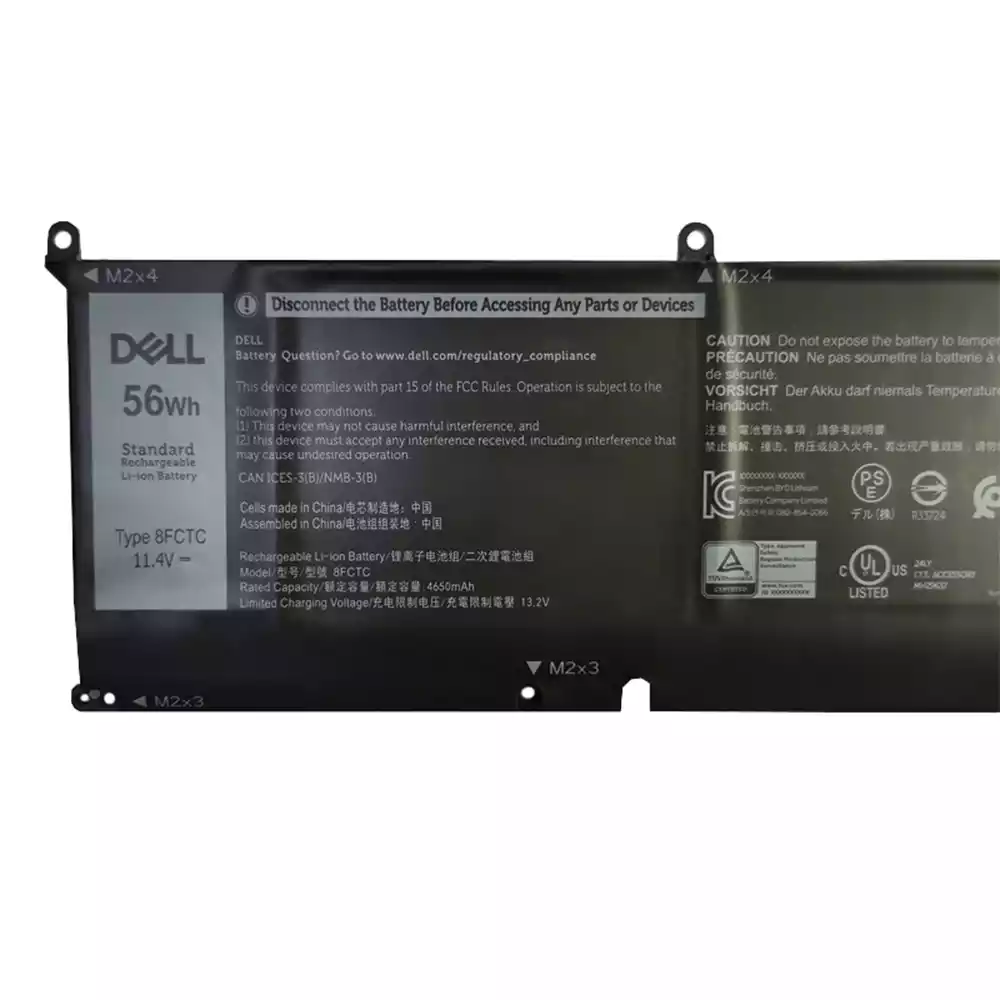
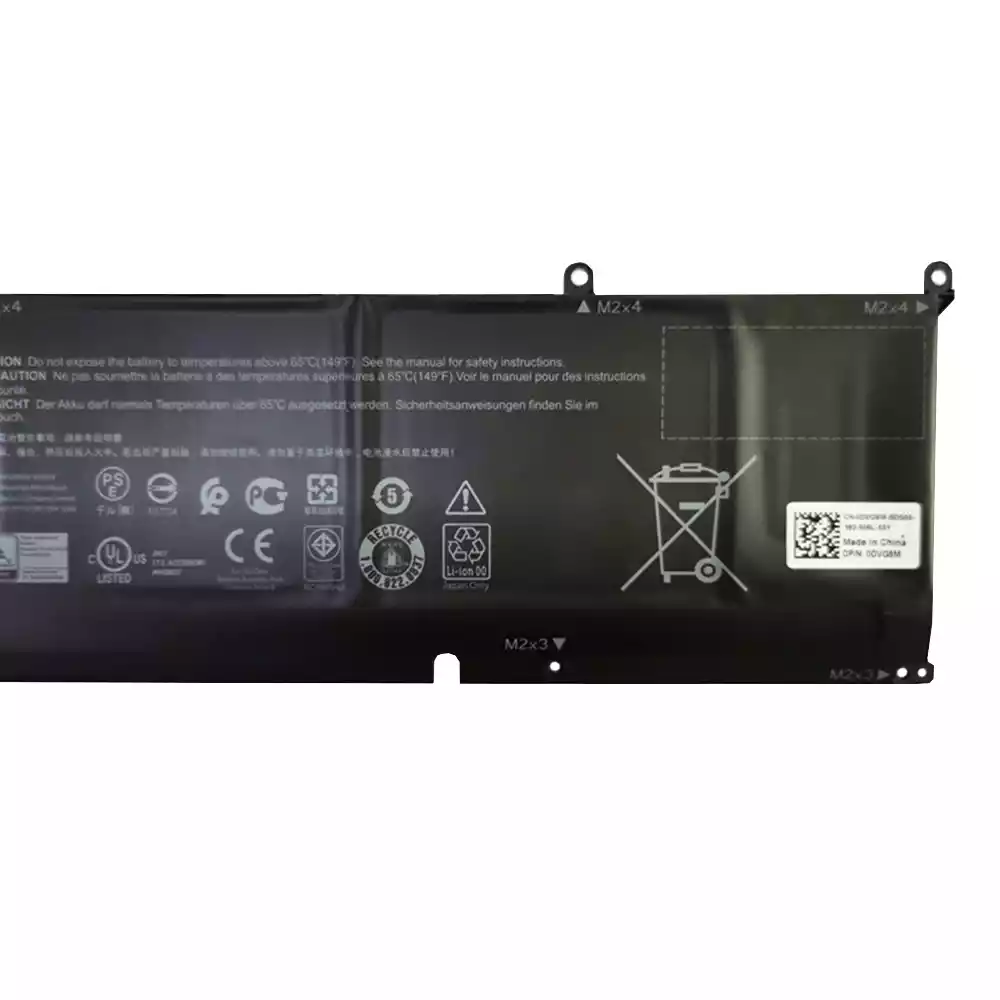
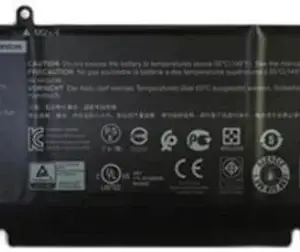
DELL G15 5530 – 8FCTC Genuine Original Laptop Notebook Battery
Restore your Dell G15 5530 notebook to its original performance with this Genuine Dell 8FCTC battery. Engineered for perfect compatibility and safety, this authentic replacement ensures reliable, long-lasting power for uninterrupted productivity and gaming.
- Model: 8FCTC
- Type: Genuine Original Dell Component
- Compatibility: Dell G15 5530 Series
- Benefit: Regain optimal battery life and system performance.
- Voltage: 11.4V
- Capacity: 4650mAh (56Wh)
- Color: Black
- Warranty: 12 months by wmart
₹3,999 ₹10,099 18% GST Included
Check Delivery Date

Restore your Dell G15 5530 gaming laptop to its peak mobile performance with the Genuine Original Dell 8FCTC Laptop Battery. Engineered specifically for your machine, this authentic Dell battery ensures flawless compatibility, optimal power delivery, and the long-lasting reliability you expect. Say goodbye to short battery life and the uncertainty of third-party alternatives. Whether you are replacing a worn-out battery or securing a spare for extended sessions, this 86Wh battery is the definitive solution for uninterrupted productivity and immersive gaming on the go.
Key Features:
- Authentic Dell Product: This is a 100% Genuine Original Equipment Manufacturer (OEM) part, guaranteeing perfect fit, function, and communication with your Dell G15’s power management system.
- High-Capacity Power Source: Featuring a robust 86Wh (Watt-hour) capacity and a 6-cell configuration, this battery provides extended run times for demanding tasks, from marathon gaming sessions to intensive work projects.
- Advanced Lithium-Ion Technology: Built with premium Li-ion cells, this battery offers a stable power output, no memory effect, and a longer overall lifespan compared to non-genuine replacements.
- Precise Voltage Delivery: Operating at a standard 11.4V, it delivers consistent and safe power tailored to the specific requirements of your Dell G15 5530 laptop.
- Integrated Safety Circuits: Equipped with built-in protection against overcharging, over-discharging, over-current, and short-circuiting, ensuring the safety of both you and your valuable device.
- Plug-and-Play Design: Designed for a seamless replacement process, allowing for straightforward installation to get you back up and running quickly.
Benefits and Usage:
Experience true mobility and freedom from the power cord. The Dell 8FCTC genuine battery revitalizes your laptop, allowing you to work, study, or play from anywhere. Its high-capacity design is ideal for professionals who travel, students attending back-to-back classes, and gamers who demand performance without being tethered to a wall outlet. By choosing a genuine Dell battery, you are investing in the longevity and safety of your laptop. Avoid the potential risks of counterfeit batteries, such as poor performance, sudden failure, or even damage to your laptop’s internal components. Trust in Dell’s engineering to maintain the integrity and resale value of your G15 gaming notebook.
Technical Specifications:
Battery Type: Lithium-Ion (Li-ion)
Voltage: 11.4V
Capacity: 86Wh / 7567mAh
Number of Cells: 6-Cell
Color: Black
Condition: Brand New, Genuine Original Dell
Warranty: Manufacturer’s Standard Warranty
Full List of Compatible Laptop Models:
This battery is guaranteed to be compatible with the following Dell and Alienware models. Please verify your laptop model number to ensure you are ordering the correct part.
- Dell G15 5530
- Dell G15 5520
- Dell G15 5521 Special Edition
- Dell G15 5525
- Alienware M15 R7
- Alienware M15 R7 AMD
Full List of Compatible Part Numbers:
This battery can be used to replace the following Dell original part numbers. Check the part number on your current battery to confirm compatibility.
- 8FCTC
- 08FCTC
- 71TG4
- 071TG4
- 999V9
- 0999V9
- X77VF
- 0X77VF
Care and Installation Instructions:
For optimal performance, it is recommended to calibrate your new battery upon installation. To do this, fully charge the battery, then allow it to completely discharge until the laptop shuts down, and then recharge it to 100% without interruption. Avoid exposing the battery to extreme temperatures and do not leave it in a fully discharged state for extended periods. While installation is straightforward for users with technical experience, professional installation is recommended to prevent any damage to the laptop’s internal components.
Based on 0 reviews
Only logged in customers who have purchased this product may leave a review.
Related products
-
1-Export products, Dell Adapters, Laptop Accessories, Laptop Adapter
Dell 65 w Laptop Adapter (With Power Cord)– MPN: 6TM1C
 1-Export products, Dell Adapters, Laptop Accessories, Laptop Adapter
Dell 65 w Laptop Adapter (With Power Cord)– MPN: 6TM1C
Dell 65 w Laptop Adapter (Without Power Cord)
Dell 19.5V-3.34AMP 65W AdapterPower-up your Dell LaptopIf you are a Dell user and wish to replace your power adapter soon, simply checkout Dell 19.5V-3.34AMP 65W Adapter and pace up your everyday tasks. Manufactured with high quality, the adapter is easily compatible with various Dell laptops [Inspiron 500M, 600M, 300M, 6000, 6000D, E1505, E, 1405, 1110, 11z, 13, 14, 14z, 1470, 1420, 1525, 1526, 1564, 1570, 1764, 1501, 15, 15z, 1520, 1521, Notebooks, D540, D600, D610, D620, D630 XFR, D630N, D631, D631N, X300, 131L, ATG, XT, E4200, E4300, 2100, Dell Vostro Notebook, Dell Vostro 90, 1000, 1014, 1015, 1200, 1210, 1220, 1300, 1310, 1320, 1510, 2510 1400, 1500, , Dell XPS M1210, M140, Dell Studio 13, A840, A860, V13, Dell Precision M2014z, 15, 1555, Dell Latitude D400, D410, D420, D430, D500, D505, D510, D520, D531, and D531N].Less Power Consumption, Extreme Protection and MoreThe Dell power adapter is designed with 3 pin input, which leads to minimum power consumption
SKU: 4577575 -
1-Export products
DELL G15 5510 – 69KF2 Original Laptop Notebook Battery
Restore your laptop’s original performance with this genuine Dell 69KF2 battery, designed specifically for the G15 5510 notebook. This original component ensures perfect compatibility, safety, and optimal power efficiency, extending your unplugged work and gaming sessions.
- Part Number: 69KF2
- Compatibility: Dell G15 5510
- Type: Genuine Dell Original Battery
SKU: 324179 -
1-Export products
Keyboard for Dell XPS 15 9560 and 9550 Laptops
Restore your laptop to optimal condition with this high-quality replacement keyboard. Precision-engineered for a perfect fit, it ensures a seamless and responsive typing experience.
- Direct Compatibility: Designed specifically for Dell XPS 15 models 9560 and 9550.
- Original Performance: Delivers the tactile feedback and reliability of the original factory keyboard.
- Integrated Backlighting: Features full backlighting for clear visibility in any lighting condition.
- Durable Construction: An ideal solution for replacing worn, damaged, or non-functional keyboards.
SKU: 954219 -
1-Export products
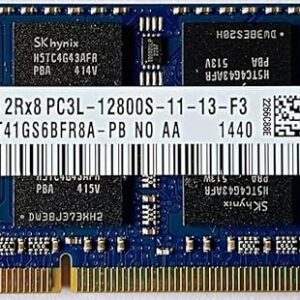
8GB DDR3L Laptop RAM PC3L-12800S Compatible SK hynix 1600 MHz with 3 Years Door Step Warranty (This ram is NOT for Desktop)
 1-Export products
8GB DDR3L Laptop RAM PC3L-12800S Compatible SK hynix 1600 MHz with 3 Years Door Step Warranty (This ram is NOT for Desktop)
Upgrade your laptop’s performance with this high-quality 8GB DDR3L memory module. Engineered for efficiency and speed, this RAM enhances multitasking capabilities and system responsiveness. Please note: This memory is exclusively for laptops and is not compatible with desktop systems.
SK Hynix 8GB DDR3L 1600MHz laptop RAM (Model: HMT41GS6AFR8A-PB)- Capacity: 8 GB
- Memory Type: DDR3L (Low Voltage)
- Speed: 1600 MHz
- Standard: PC3L-12800S
- Warranty: 3-Year Door Step Warranty
SKU: 247520 -
1-Export products
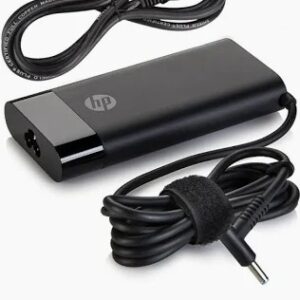
New HP OEM 120W 19.5V 6.15A Pin size 4.5mm x 3.0mm for HP Laptop with Power Cable
Power your high-performance HP laptop with this genuine HP OEM 120W AC adapter. Engineered for reliability and efficiency, it provides a stable and secure power source, ensuring optimal device performance and longevity. This is an ideal replacement or spare charger for your compatible HP model.
- Power: 120 Watts
- Output: 19.5V / 6.15A
- Connector Pin Size: 4.5mm x 3.0mm (Blue Tip)
- Part Type: Genuine HP Original Equipment Manufacturer (OEM)
- Includes: AC Adapter and Power Cable
Ensure the model matches the requirements listed on your original charger or the bottom of your HP laptop.
SKU: 914257
There are no reviews yet.